
After applying for a position you may be asked to complete a "task". Tasks contain questions to find out more about you and provide you the opportunity to tell a little more about yourself that may not be found on your resume. Just follow these simple steps to complete your tasks!
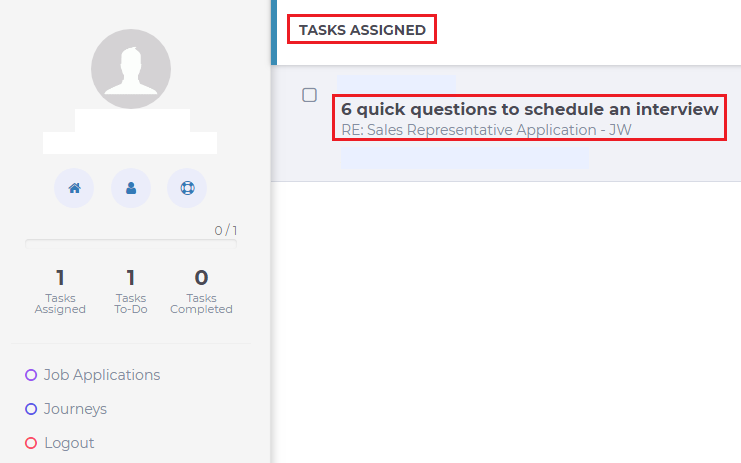
Step 1. Login to your account. By default you will be taken to your list of tasks. Click on the task you would like to complete
Step 2. The questions on the task will appear. Go ahead and answer them and click "Submit"
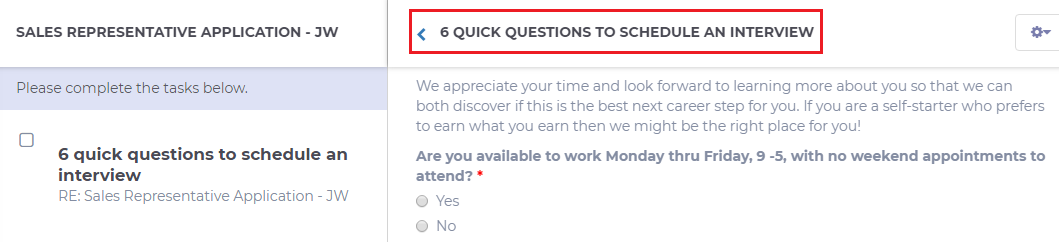
Note: If you would like to save your answers and come back later to finish the task just click "Save Draft"
Happy Tasking!