Here are a few helpful tips when uploading a video to your application
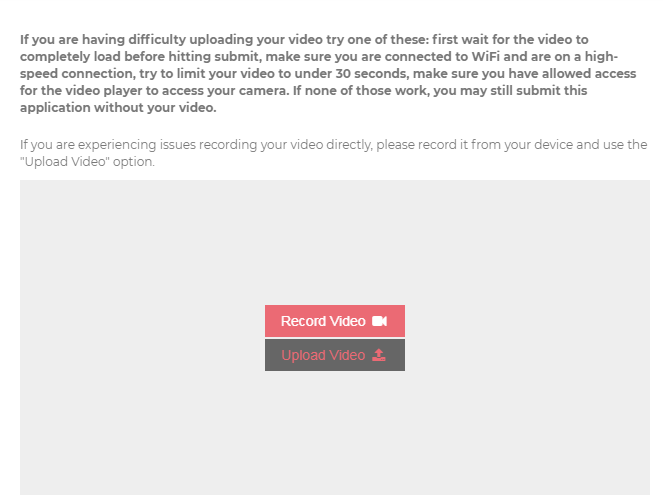
After having clicked the button to upload your video, make sure that you wait a few minutes for the video to upload completely before clicking the submit button to submit your completed application.
If you are using your phone, we recommend, if possible, using a computer to complete the application and upload your video. However, if you prefer to use your phone, we recommend making sure that the wifi network that you are connected to is high speed internet.
If you encounter any difficulties during the process, you can click the red Support button located at the bottom right of your screen for assistance.