
How to Opt-Out (Withdrawing your Application)
If you decide to opt out of the application process and withdraw your application, just log into your account at app.hoopshr.com.
Then click the Home icon to go to the tasks associated with your job applications.
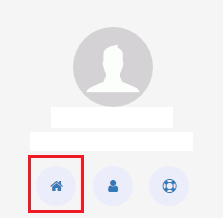 .
. 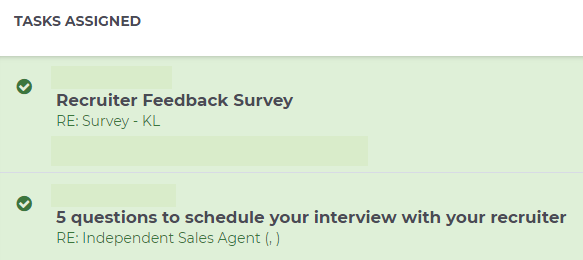
Next, click on a task. To the far right of the task, you will see a gear icon. Click the gear icon and select Withdraw Application.

This will opt you out of the application process, as well as halt any further associated notifications.
If you have already finished your application, you will see a message that lets you know that you have no tasks to complete and a link to your application.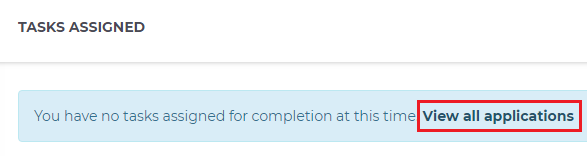
Clicking on the link will display your job application. To withdraw it, click on the gear wheel to the right of the application and select Withdraw Application. 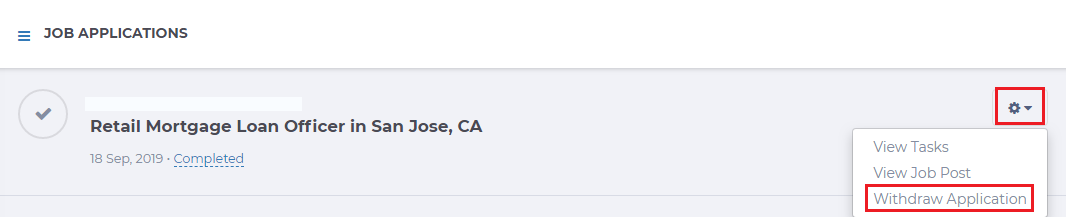
Note: Once you have withdrawn your application, you cannot re-activate it. If you decide that you are still interested in the position, you will need to complete and submit a new application for it.