
To see what Applications Tasks there are for you to do, log into your account at app.Hoopshr.com.

Then click the Home icon to see the Tasks associated with your job applications. 
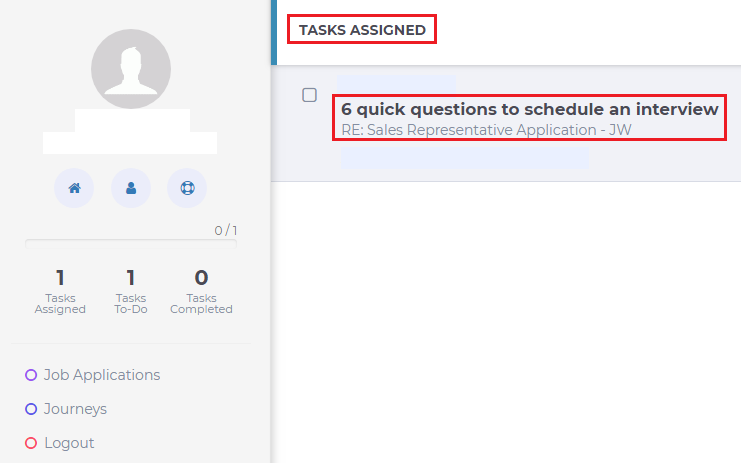
Click on the Task name to go directly to the associated application questions.
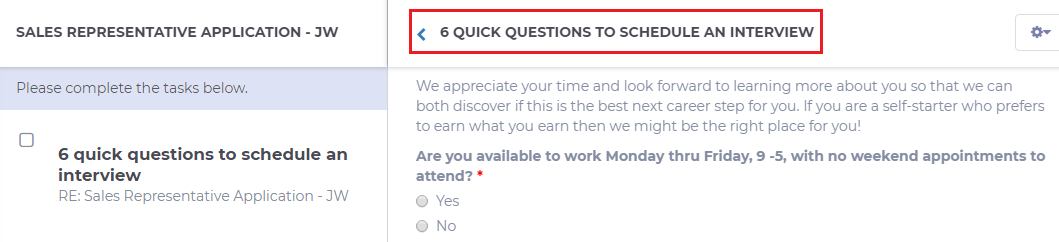
Once you have completed the tasks, click Submit.