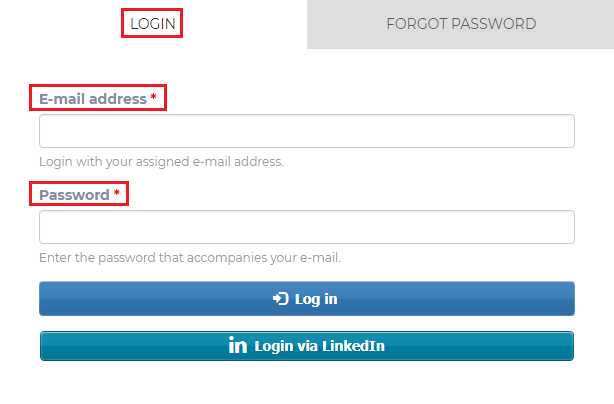
If you wish to edit or update your profile information, you can log into your account at app.hoopshr.com. Then just enter your email address and password to be taken directly to your account.
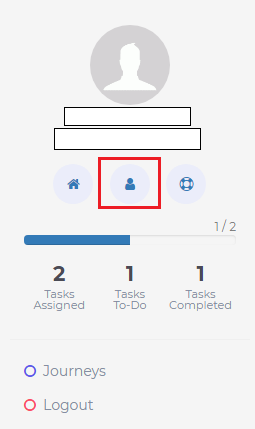
Once in your account, click on the Account icon under your name in the upper left part of your screen.
This will take you to the tab to provide / edit your contact information.
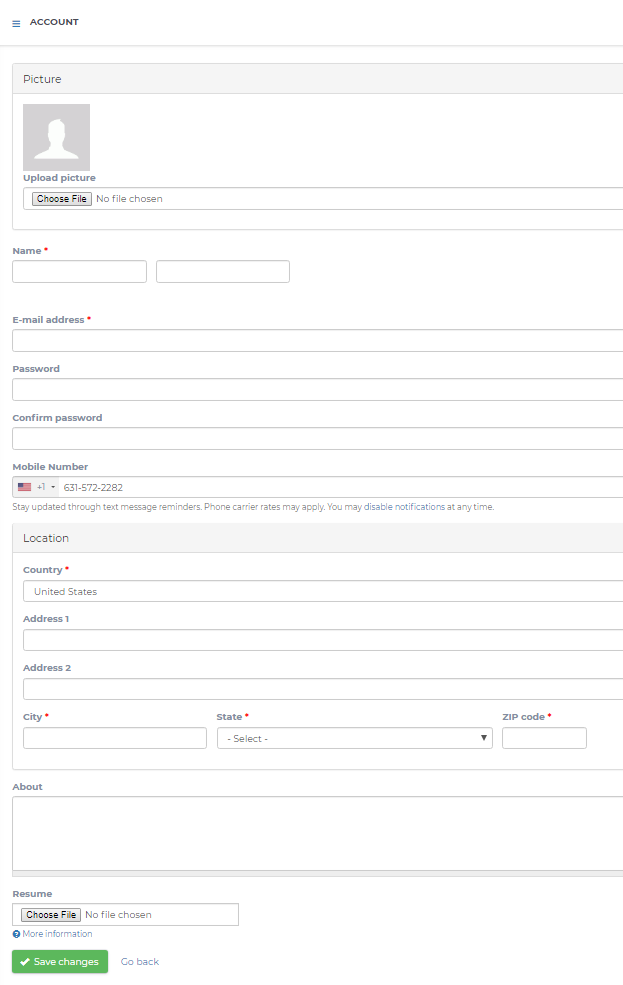
Once you have entered/updated your information, be sure to click the green Save Changes button at the bottom of the page.