How to Upload your Resume to your Application / Profile
Once in your account, click on the Account icon under your name in the upper left part of your screen.
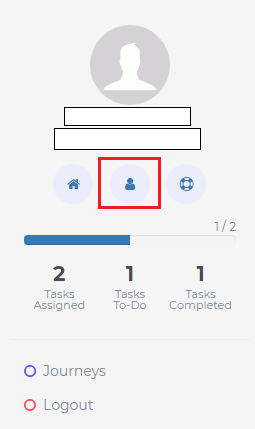
This will take you to the tab to provide your contact information as well as upload your resume. 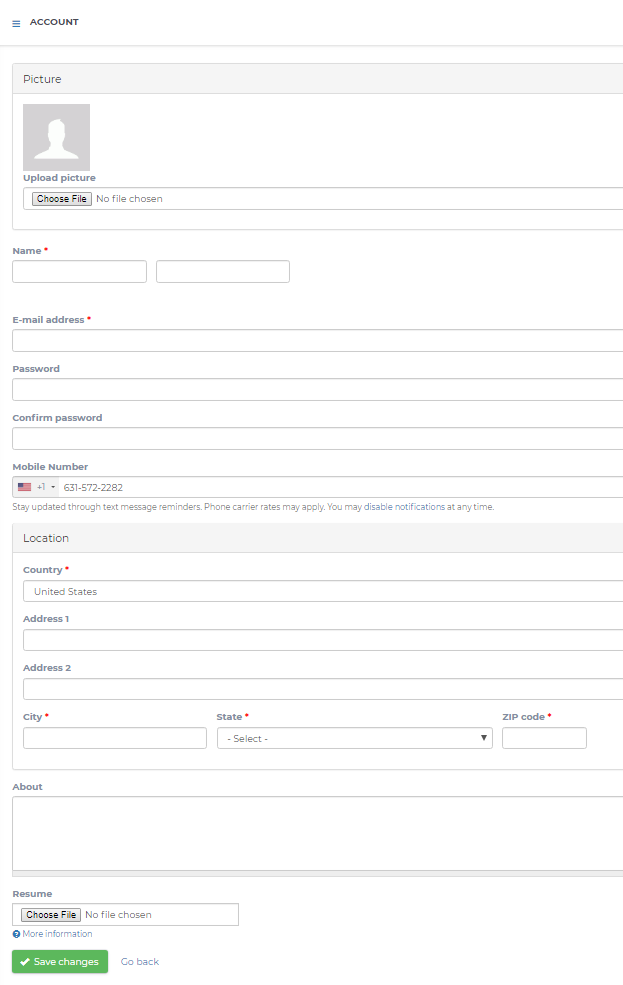
Once you have entered your information and uploaded your resume, be sure to click the green Save Changes button at the bottom of the page. 
If you encounter any difficulties during the process, you can click the red Support button located at the bottom right of your screen for assistance.